TECHARENA WEEK · FEBRUARY 1–5, 2027
Host a side event during Techarena 2027
Join the official program around Techarena 2027 and put your brand in front of founders, investors and business leaders,.










why
Why host a side event?
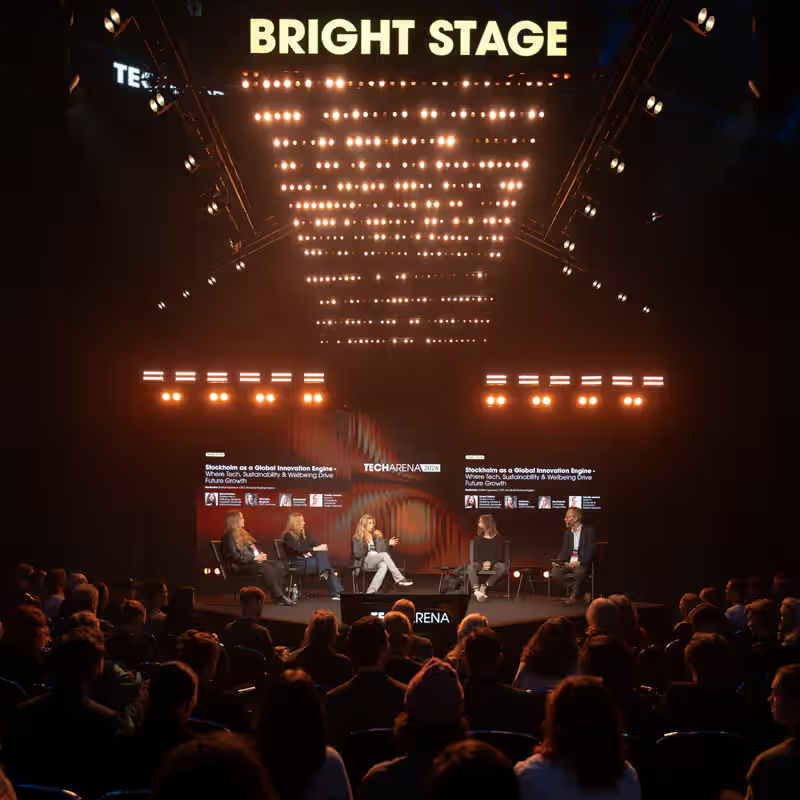
Techarena week brings thousands of founders, investors and business leaders to Stockholm. A side event puts you in the room with the people you want to reach.

Who can host a side Event?
If your event brings value to the Techarena community, there’s room for it.
All side events are reviewed by the Techarena team for relevance and quality before they’re accepted and listed in the official Techarena Side Event Agenda.
SIDE EVENT options
Inside the arena or anywhere in Stockholm
Submit your side event in Luma
Hosting a off-site side event? Follow the steps below to create and submit your event. Hosting on-site? We’ll guide you after you contact us.
Create your event in Luma
Open the calendar
Go to Techarena 2027 side event calendar. Click "Submit Event", then "Create New Event".

Create your event
Add title, description, location, time and event photo. Click "Create Event".
(You can edit the details later. Log in or create an account if prompted).

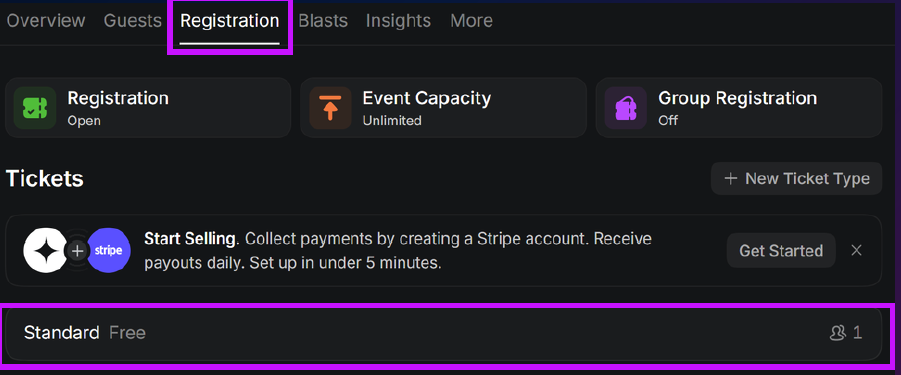
Set the capacity of your Side Event
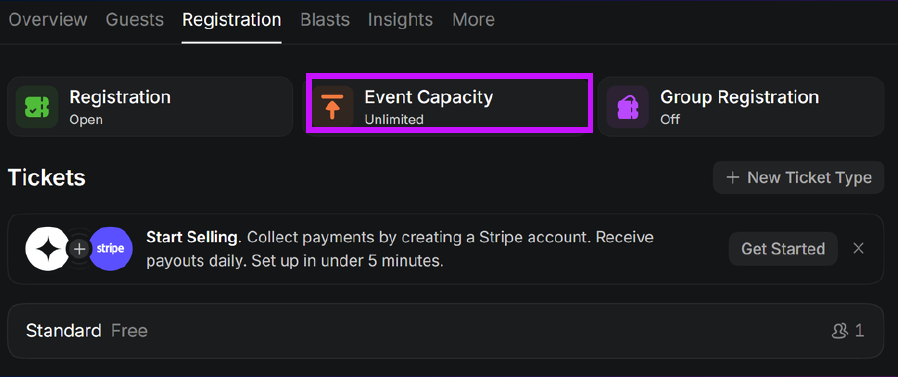
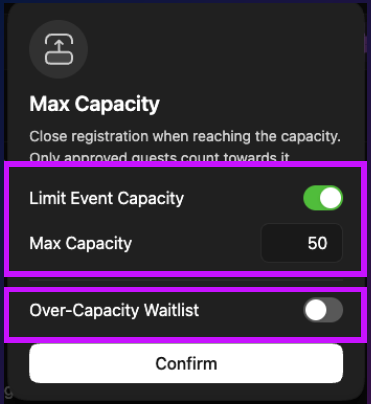
Event Capacity
Set registration capacity to 50% above maximum room capacity to allow for expected no-shows.
Event Waitlist
You can activate a waitlist for your side event. Waitlisted guests do not automatically take a spot just because someone cancels. Instead, the host manually reviews the waitlist and can approve or decline guests individually or in bulk.
Attendee application and registration settings
Decide if you’d like everyone to be able to attend the event (first come first served) or if you’d like to approve attendees based on specific audience preferences:
You have two options on how attendees can join your Side Event:
- • Open side event (first come first served). Your preset event capacity determines when it’s full.
- • Apply for side event. You accept and deny the applications manually based on who you can to join.
Reminder: Your event must be free to attend in order to be listed as an official Side Event.

04
Required registration questions
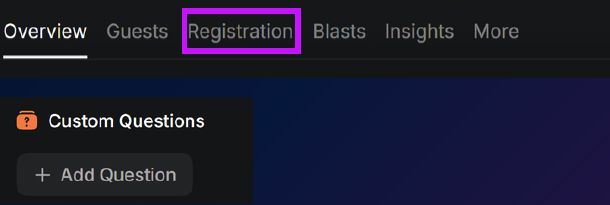
Go to Registration → Custom Questions. Add these four questions in order. The first three are required; marketing opt-in must remain optional.
What best describes you?
Corporate
Investor
Others
Options → Multiple selections → Required ON
Company & job title
What is your job title?
Company → Collect job title ON → Required ON
LinkedIn profile
What is your LinkedIn profile?
Social Profile → LinkedIn → Required ON
Marketing opt-in
Checkbox → Required OFF
Optional for attendees
Required event description text
For side events outside Strawberry Arena
Paste this text at the bottom of your event description:
Required text
CopyPlease note:
This side event is part of Techarena 2027 and is independently organized and run by the host. Please direct any questions (or praise!) to the event organizers.
Add us as co-host to get listed in the offcial side event calendar
Get listed
To get listed under the official Techarena 2027 side event calendar and get maximum visibililty for your side event you have to list us as co-host.
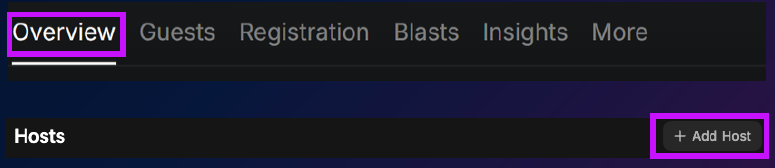
On your Luma event's Overview page, scroll down to the Hosts section and click + Add Host. Invite sideevents@techarena.se with Manager access. Make sure “Show on the Event Page” is toggled on, then hit “Send Invitation”.
Once that's done, email your Luma link and contact details to sideevents@techarena.se. We'll review it, get back to you if anything needs tweaking, then list it and promote it.